General
How can I view and manage my registrations?
Log into Classes Portal with your email address.
In the portal, you can
- View your upcoming and completed courses
- See course information (including location, Zoom information, and class files)
- Download invoices and receipts
- View certificates
- Request a reschedule or retake
How do live classes differ from self-paced courses?
Live classes are taught by an instructor at scheduled times. In-person students attend in a classroom, while live online students participate remotely and can ask questions in real time. Self-paced courses are a separate format; check the course page for its delivery and support details.
Do I need my own computer?
For in-person classes, we provide a computer for use during the course. Live online attendees should have their own computer.
Mac or PC is available (choose at checkout) for most courses, but some courses run on only one operating system. See the course page for more detail.
How are the classes taught?
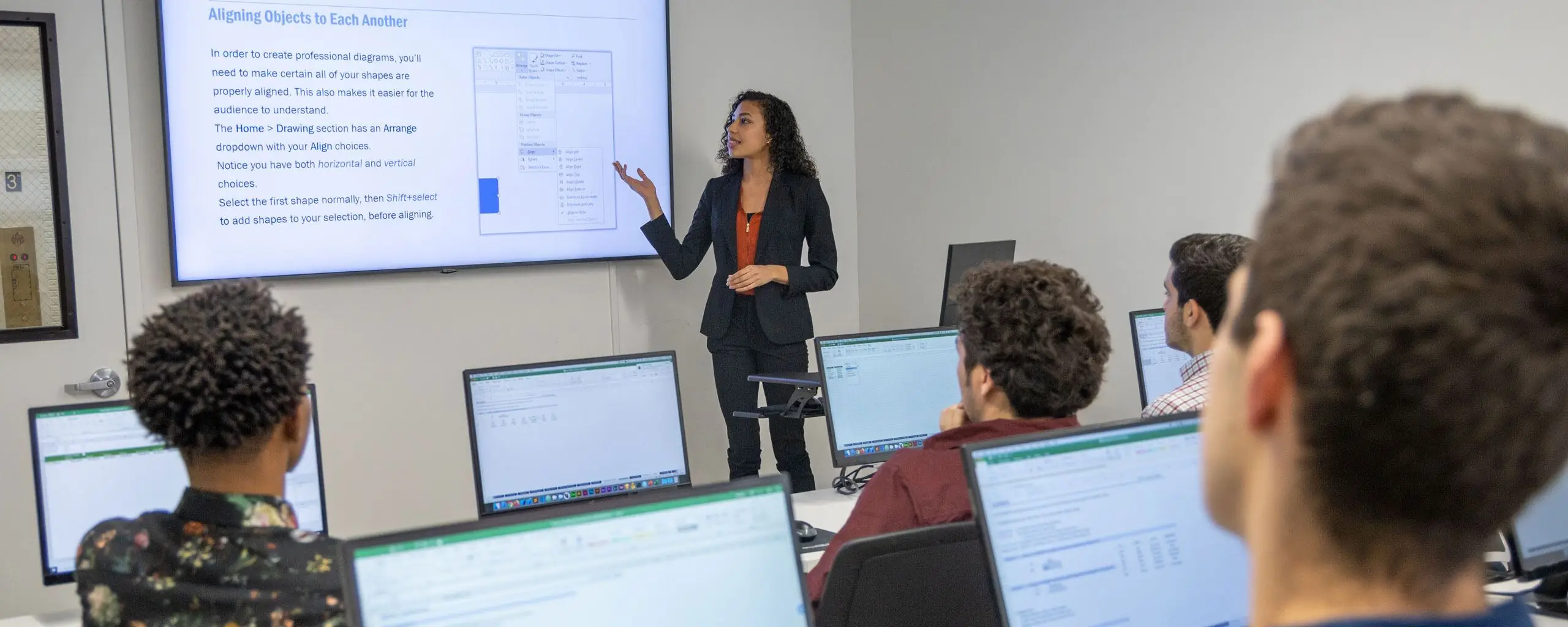
NYIM’s live classes combine demonstrations with hands-on exercises and projects. You practice the techniques and can ask the instructor for guidance. Self-paced courses use their own lesson format; review the course page for the materials and support included.
Are books provided?
For most classes, a complimentary book or training manual is provided (physical copy for in-person attendees, and eBook for remote attendees). See the individual course page for more details.
Will I receive a certificate at the end of the course?
Students who complete a course with NYIM receive a certificate of completion. Check the program page for its completion requirements and any separate certification exam. A course-completion certificate is different from an industry credential earned by passing an exam.
What do I need to bring to an in-person class?
For all in-person classes, we provide computers with the software, so you can travel light. You can bring a pen and notebook to take notes if you'd like.
We will email you prior to the course if your course requires additional materials. For instance:
- Premiere Pro: bring headphones to class
- Google Ads: set up a Google Ads account before class
- HTML Email: make sure to have an active Gmail account
Who teaches NYIM's classes?
Instructors bring professional experience in fields such as data analysis, business software, finance, project management, marketing, design, and development. Review the course page for the provider and available instructor information.
What happens if I need to miss a session?
You have some options:
- If you can’t come into the classroom, but can still attend remotely (live online using a screen sharing app), please let us know ahead of time. You can access the Zoom link to attend your class remotely by logging into Classes Portal.
- You can make up that session in a future offering of the class, provided that the class is running with an available seat.
- You can go through the workbook exercises for that session. Ask your instructor about what you’ll be missing.
Is there a lunch break during class? What time?
For day classes that run 10am to 5pm, there is a one-hour lunch break typically around 1pm. The exact break time may vary. There may also be some shorter (5-10 minute) breaks throughout the course depending on the session's pacing.
For evening classes, there are only short breaks.
Reschedules & Cancellations
What is your reschedule policy?
Students may reschedule up to 3 business days before the class start date. Students who need to reschedule outside the permitted time frame may use their free retake to attend the course.
To reschedule, log into your student portal. Log in with your email and choose the class you would like to reschedule.
What is your cancellation policy?
Students may cancel up to 14 days before the class/program start date and receive a refund, less the registration fee (10% of the undiscounted course price). Cancellations within 14 days are not permitted, but students may reschedule up to three business days before the class start date.
For cancellations, please email us at contact@nyimtraining.com.
Free Retake
How does the free retake work? How do I request a free retake?
A student may retake the course once within one year provided that the class is running with an available seat.
To request a retake, log into your student portal. Log in with your email and choose the class you would like to retake.
Is the free retake actually free?
Yes, there is no additional cost to retake a course within one year of the original course date.
Payment Plans & Student Financing
Do you offer payment plans?
Eligible programs offer two payment options: an installment plan, paid as you progress through the program, and student financing through Climb Credit via our partner Noble Desktop.
Climb financing is subject to approval. Eligible program pages show 12-, 18-, or 24-month terms, depending on the program. Check the tuition section for the deposit and payment schedule.
See Noble Desktop’s Climb Credit FAQ for the current financing process.
Which programs qualify for payment plans?
See the current lists of programs eligible for installment plans and Climb Credit financing through our partner Noble Desktop. The tuition section on each program page shows its available options.
How does the installment plan work?
After you pay the 10% non-refundable deposit at checkout, the remainder of tuition is paid over the course of the program using a valid credit card on file. One week before each individual class starts, you are charged for that upcoming class. If you register less than one week before a class starts, that payment may be charged immediately.
Review the payment schedule shown for your selected program. The amounts depend on the current package price, included courses, and applicable discounts.
Are there any fees or interest for the payment plans?
Our installment plan divides tuition into payments as you progress through the program. Eligible programs also advertise 0% financing through Climb Credit. Review the program’s tuition section and your loan agreement for the total cost, payment schedule, and any late-payment charges. See Noble Desktop’s Climb Credit FAQ for details.
What happens if I cancel during the payment plan?
If made in accordance with our class cancellation policies, cancellations are subject to full refunds, minus any registration fees.
How do I register for a course with the payment plan option?
At checkout for an eligible program, choose an available payment option and pay the deposit shown. The installment plan does not require a credit application. For Climb financing, follow the application link provided after registration and obtain approval before the program starts. See Noble Desktop’s Climb Credit FAQ for the application process and options if you are not approved.
Is there a credit check for the payment plans?
Installment plan: No credit application or credit check is required.
Climb Credit financing: Climb uses a soft credit check when you apply. If you accept a loan and it is funded, Climb performs a hard credit check, which may affect your credit score.
When do I make my first payment (after the deposit)?
For the installment plan, payments are charged seven days before the associated course starts. For Climb financing, the first payment is collected through ClassesPortal three days before the program starts; subsequent payments follow your loan agreement. See Noble Desktop’s Climb Credit FAQ for the current schedule.
Who gets approved for payment plans?
The installment plan is available without a credit application for programs that offer it. Students must make the scheduled payments to continue their enrollment.
Climb Credit decides loan eligibility using its underwriting criteria. Applying does not guarantee approval; a qualifying co-borrower may help. See Noble Desktop’s Climb Credit FAQ for details.
What happens if I stop making payments in a payment plan?
For the installment plan, contact us before stopping payments so we can explain how this affects access to the remaining courses and your deposit.
For a Climb loan, your repayment obligations are set out in your loan agreement. Contact Climb or the servicer named on your statement if you have difficulty making payments. Missed loan payments can affect your credit.
Who is the lender in a payment plan?
The installment plan is arranged by the school. Climb financing is a separate loan: loans are originated by Climb Investco, LLC, rather than NYIM Training. Review your loan documents for the lender and repayment terms.
Can international students apply for a payment plan?
International attendees may use the school’s installment plan where offered.
For Climb financing, students who are not US citizens or permanent residents may qualify if they reside in the US and apply with a qualifying co-borrower who is a US citizen or permanent resident. Approval is subject to Climb’s underwriting.
How do I make payments?
Installment-plan payments are charged using the payment arrangement established with the school. For Climb financing, follow the payment instructions in your loan documents and statements. Use the account or servicer Climb identifies for your loan. See Noble Desktop’s Climb Credit FAQ for the current process.
Will payment plans affect my credit?
The school’s installment plan does not require a credit check.
Climb uses a soft credit check when you apply. If you accept a loan and it is funded, Climb performs a hard credit check, which may affect your credit score. Late or missed loan payments can also affect your credit. Contact Climb for questions about your application or loan.
Student Financing via Climb
Do you offer student loans & which programs are eligible?
Eligible programs offer Climb Credit financing through our partner Noble Desktop. Check the eligible program list and the tuition section on your program page. Available terms are 12, 18, or 24 months, depending on the program, and approval is required.
After registering and paying the displayed deposit, follow the application instructions we provide. See Noble Desktop’s Climb Credit FAQ for the current process and options if you are not approved.
Are there any fees or interest for Climb Credit financing?
Eligible programs advertise 0% Climb financing. Review your program’s tuition section and loan agreement for the total cost, repayment schedule, and any late-payment charges. See Noble Desktop’s Climb Credit FAQ for details. Terms for a particular loan are established in its loan documents.
Is there a credit check? Will it impact my credit score?
Climb uses a soft credit check when you apply. If you accept a loan and it is funded, Climb performs a hard credit check, which may affect your credit score. Late or missed loan payments can also affect your credit. Read Climb’s explanation of credit checks for more information.
When and how do I make my payments?
Pay the deposit displayed at checkout when you register. For Climb financing, the first payment is collected through ClassesPortal three days before the program starts. Follow Climb’s instructions and your loan agreement for subsequent monthly payments. See Noble Desktop’s Climb Credit FAQ for the current process.
How does the application, approval, and closing process work?
After registering and paying the displayed deposit, follow the Climb Credit application link we provide. Climb evaluates your application and may request additional information. If you receive an offer, review and sign the loan documents to accept it. Obtain approval before the program starts and contact us if you need help with the enrollment process. See Noble Desktop’s Climb Credit FAQ for details.
Can international students apply?
Students who are not US citizens or permanent residents may qualify if they reside in the US and apply with a qualifying co-borrower who is a US citizen or permanent resident. Approval is subject to Climb’s underwriting. See Climb’s guidance for non-citizen applicants for eligibility details.
Discounts
Do you offer discounts for multiple employees?
Yes, we offer discounts for companies registering multiple employees. Email us at contact@nyimtraining.com for more information.
Live Online Training
How does live online training work?
Our live online training is interactive and hands-on just like our in-person classes. Learn more about the live online experience.
What software or equipment do I need for live online training?
Students must have a Mac or PC available and a strong internet connection.
Each class requires different software. See the class page for more information or email us at contact@nyimtraining.com.
We will work with participants prior to the class date to ensure that everything is set up properly.
Are there any additional costs for live online training?
There are no additional costs payable to NYIM for live online training. Students may be required to purchase a license for the software if a free trial is not available.
Email us if you need assistance.
Can I attend a class remotely?
Most live courses offer a remote attendance option through Zoom. You can hear the instruction, ask questions, and share your screen when needed. Check the course page for available attendance formats and software requirements.
I haven't received Zoom access to my live online class. What should I do?
We send the Zoom meeting URL one day prior to the class start date. If within one day and you haven't received it (and it's not in your spam folder), email us at contact@nyimtraining.com.
I don't have the required software for a live online class. What should I do?
Contact NYIM before your course begins so we can help you review setup options. Some applications offer a free trial, while others require a license. Availability depends on the software and your account.
Receipts & Invoices
Can I get a receipt for my purchase?
To view or download your receipt, log into your student portal with your email.
Can I receive an invoice for expense reimbursement?
Please note that we only invoice companies, not individuals. At checkout, select Corporate Invoice and we will send an invoice to the email address associated with your account. For assistance or any questions, email us at contact@nyimtraining.com.
Course Selection
What does NYIM teach?
NYIM offers business and professional skills training in Excel and Microsoft Office, SQL and data analytics, AI for workplace tasks, project management, finance, communication, and AutoCAD. The catalog also includes design, marketing, and coding courses and CAD certificate programs offered through partner schools such as Noble Desktop and VDCI.
Choose a focused class for a particular tool or skill, or a broader program that combines related courses. Check each page for the provider, prerequisites, and delivery format.
How can I choose the right course or program for me?
We offer several resources for students to find the perfect program:
- Free seminars (live online) in a variety of subjects. Recordings of prior seminars are also available here via Noble Desktop, our coding and design school. These seminars are the perfect way for you to explore your interests.
- If you know what you want to learn but can't decide on the course or program, see our Compare Courses & Certificates tool.
- Reach out to schedule a call or meeting with a student advisor. Contact us at contact@nyimtraining.com and we'll be happy to help.
Are any prerequisites required for NYIM's courses and certificates?
Prerequisites vary by course and program. Some begin with fundamentals, while others require experience with a particular application or subject. Read the prerequisites on the course page and contact NYIM if you are unsure which level fits your experience.
Why Learn Business Skills at NYIM Training?
What separates NYIM classes from other schools?
NYIM emphasizes practical exercises and projects that connect software and business concepts to everyday work. Live classes combine demonstrations with opportunities to practice and ask questions. Course pages explain the materials, setup requirements, and support included with each offering.
What is the feedback for NYIM's courses?
Read student testimonials to see how learners describe their experience with NYIM’s courses and instructors.
Job Support & Mentoring
Would NYIM's classes or certificates help me get a job?
A course can help you build a specific skill; a broader program can provide a sequence of related training and projects. Some programs include mentoring that can be used for portfolio review or job-search support. Check the program page for the support included.
Choose training based on the skills required for the work you want to do. Employment depends on factors such as your experience, demonstrated work, and the hiring market; completing a course or certificate does not guarantee a job.
How does the mentoring work?
Some programs include one-on-one mentoring for questions, project or portfolio feedback, learning goals, or job-search preparation. The available topics and number of sessions depend on the program.
Review the certificate page for mentoring details, including whether support is provided by NYIM or a partner school.