





Find a Tableau class for your experience level
Tableau helps turn data into charts, maps, and interactive dashboards. It is useful for exploring patterns and presenting findings to other people. You can begin without a programming background, while still needing to think carefully about the data, the calculation, and the question each visualization answers.
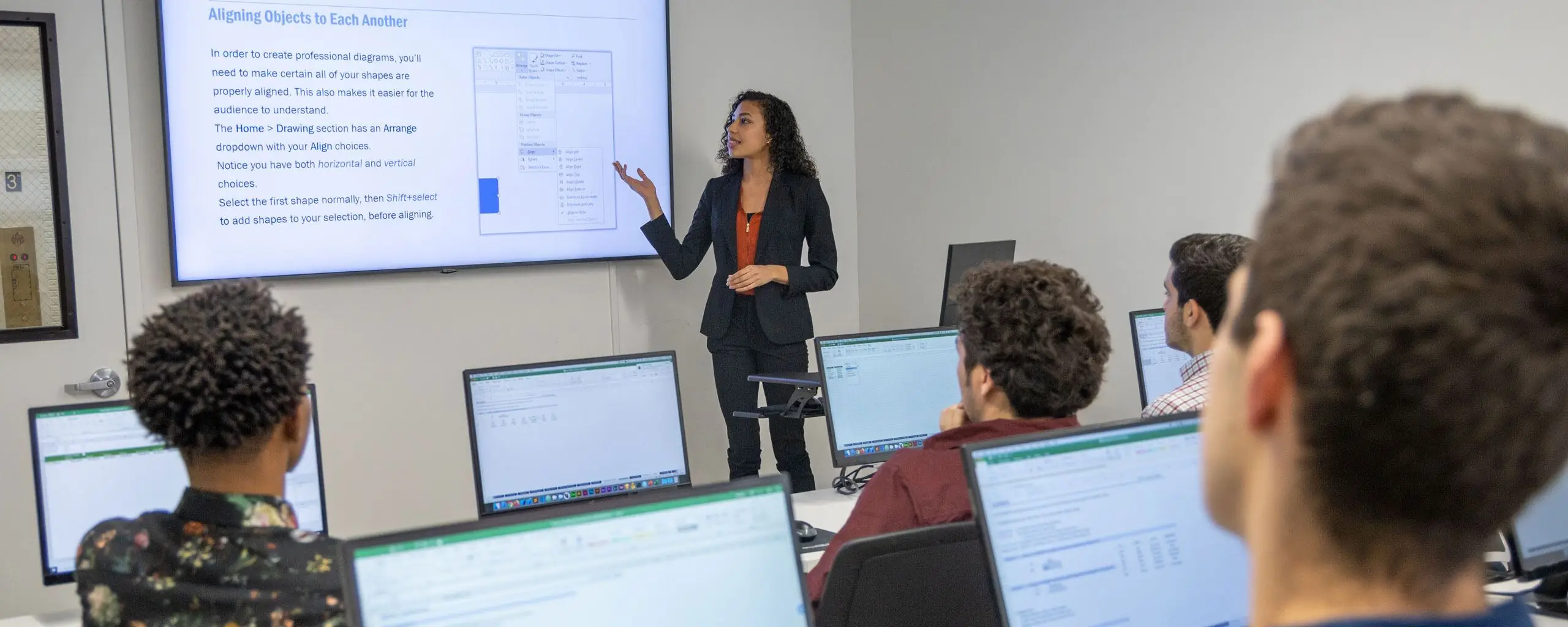
Take NYIM Tableau classes in Manhattan or live online. If you are searching from another city, live online training provides access to scheduled instruction from your own computer. Check the format and setup details on the course page.
Begin with charts and data connections
Tableau Level I introduces working with data and building visualizations. Learn the foundation before moving to more complex dashboards: connect to a dataset, understand its fields, choose a suitable chart, and check the result.
A chart should make a comparison easier to understand. A line chart can show change over time, while a bar chart can compare categories. Formatting, labels, and the scale of an axis can change how a result is interpreted, so clarity matters as much as appearance.
Develop more advanced visualizations
Tableau Level II builds on the first level with more advanced visualization and mapping work. It expects the background covered in Tableau Level I, including basic calculations, dashboards, and visualizations.
The Tableau Bootcamp combines both levels. It is an option for students who want a coordinated progression from the fundamentals into more advanced features.
Connect Tableau to a broader analytics workflow
The Data Analytics Technologies Bootcamp combines Tableau with Excel and SQL. Excel helps with spreadsheet analysis, SQL retrieves and summarizes database records, and Tableau supports visual exploration and presentation.
These tools address different parts of a workflow. Before building a dashboard, check the meaning of the fields, the level of detail in the data, and any missing or duplicate records. A polished display cannot correct an unreliable source.
Choose a training format
Compare current dates, tuition, prerequisites, and software requirements on each course page. For remote study, prepare your computer before the first class and set aside time to practice. For classroom study, confirm the Manhattan location and schedule.
If your goal includes an industry credential, review the current certification program and exam requirements separately from the ordinary skills classes. Taking a class and earning a certification are different steps.
Design for the audience
Start a dashboard with the questions its audience needs to answer. Keep labels clear, make filters understandable, and avoid adding charts that do not help the decision. Test whether another person can interpret the display without a lengthy explanation.