This course includes
- 6 hours of live, project-based training from experts
- Access to Microsoft Office (1 month)
- Retake for free within 1 year
- Access to class recordings (30 days)
- Verified digital certificate of completion
- Small class sizes
Our VBA Excel Macro Classes will instruct you how to use basic Macros to automate Excel. You will be able to use your Excel knowledge more productively by incorporating Macros in your spreadsheets. This Excel Macro Course assumes no previous knowledge of Macros. Excel VBA Macros Level 1 course is a basic VBA (Visual Basic for Applications) class, that will help you apply spreadsheet skills, in a faster, more efficient and exciting way.
This course has a prerequisite
Prior VBA programming knowledge is not required, but knowledge equivalent to our Intermediate Excel course is recommended, including VLOOKUP, Pivot Tables, and IF statements.
Course Reviews
From our hands-on training style to world-class instructors and custom-crafted curriculum, we deliver results our alumni are proud of.

I really enjoy taking the online Excel VBA and Macro classes. The instructor, Garfield, is very knowledgeable and answers your questions. He also challenges you to take ownership and writes the code yourself.
Jen L.
Moody's Analytics
Excel VBA and Macros Level I is rated 4.6 stars by 79 students
-
Jen L. Associate Engagement Manager @ Moody's Analytics Oct 18, 2020
I really enjoy taking the online Excel VBA and Macro classes. The instructor, Garfield, is very knowledgeable and answers your questions. He also challenges you to take ownership and writes the code yourself.
Showing 1 of 1 reviews
Tuition
Full Tuition
Full tuition: $345Due before the class starts
This course includes
- 6 hours of live, project-based training from experts
- Access to Microsoft Office (1 month)
- Retake for free within 1 year
- Access to class recordings (30 days)
- Verified digital certificate of completion
- Small class sizes
Learn the Skills Guarantee™
Learn the concepts and skills covered in this course or your tuition is on us. See details and terms & conditions.
Hands-on training in small groups
Work on projects proven to boost retention
Time-tested curriculum and supporting materials
Refined over many cohorts for an optimal learning experience
Excellent classes and excellent venue! It has just the right level of personal attention and class participation. I would highly recommend NYIM and look forward to taking future classes there. – Hazel S.
Learn from industry experts with teaching experience
Experienced educators who are driven to help you succeed
Retake the course for free within one year
Refresh the materials and gain additional practice
Interactive Training
Attend this course in-person in NYC or live online. Engage with expert instructors, ask questions, and get feedback on your exercises and projects.
Unlike other providers, these are not mass open-enrollment classes. At NYIM Training, you’ll learn in small groups (typically 8-15 students) and receive personalized attention.
On Campus in NYC 185 Madison Ave, NYC
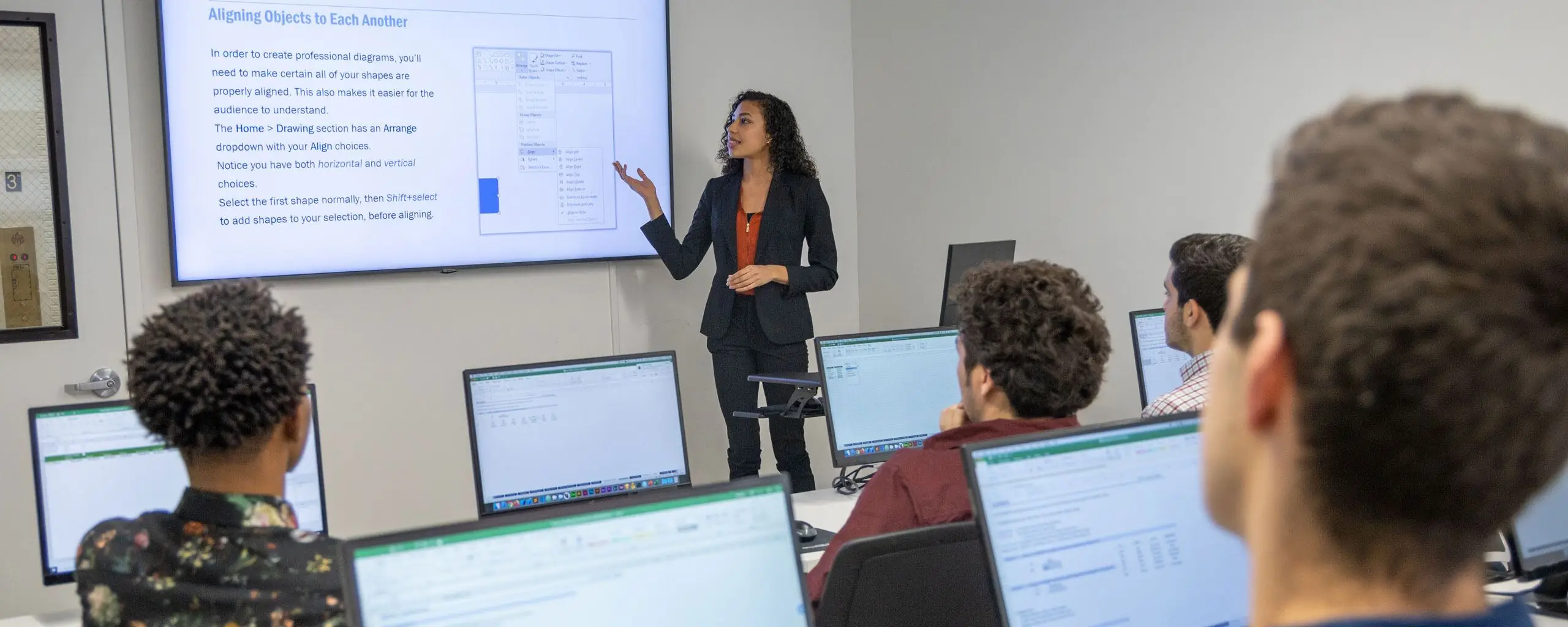
Get face-to-face interaction with an instructor and other students when you learn at our 185 Madison Ave, NYC campus. Courses are hands-on with a computer and software provided.
- Live, interactive class
- Experienced instructor in the room with you
- Computer and software provided
Live Online Remote, from anywhere
Get the same interactivity and access to the instructor as in-person students. There are no extra fees and we’ll work with you to ensure your remote setup is perfect.
- Live, interactive class
- Experienced instructor teaching over Zoom
- Remote setup assistance provided
Earn a Certificate of Completion
Upon completion of this course, you’ll receive an official certificate testifying to your mastery of the curriculum. We’ll send you a link where you can download your certificate, share it online with your friends, post it to your professional network on LinkedIn, and view all your earned certificates. Congratulations on your achievement!
Shareable on
Free Retake & Class Recordings
Missed a session or need a refresher? We have you covered!
Free Retake
We offer a single free retake of the class within a year.
Class Recordings
You can also access recordings of each session in your student portal within one business day of the session’s end. Recordings are available for one month after the session.
Excel VBA and Macros Level I Curriculum
What You'll Learn at a Glance
- Develop a macro
- Format worksheets using macros
- Create an interactive worksheet
- Work with multiple worksheets
- Perform calculations
Course Syllabus
Lesson 1: Macros / VBA
- What are Macros?
- What is VBA?
- How to record macros
- How to run macros
Lesson 2: VBA Editor
- Modules
- Procedures
- Project Explorer
- Toolbars / Options
Lesson 3: Creating / Editing Code
- Create Procedures
- Subs
- Comments
Lesson 4: Invoking Macros
- Hot Keys
- Quick Access Toolbar
- Call Command
Lesson 5: Compiling Code
- Stepping through code
- Reset
- Run
Lesson 6: Variables
- Declarations
- Option Explicit
- Data Types
Lesson 7: Working with The Object Model
- Worksheets
- Ranges: Rows, Columns, Cells
Lesson 8: Creating & Naming Objects
- Naming conventions
- Housekeeping
Lesson 9: Navigation / Selection Techniques
- Formula R1C1 Reference Style
- Offsets
- Range Names
Lesson 10: Logic Statements
- IF Statements
Lesson 11: Looping Statements
- Do Loops
Lesson 12: Interactive Code
- Input boxes
- Message boxes
Lesson 13: Error Handlers
- Preventing fatal errors and crashes
Frequently Asked Questions
Is this course open to beginners?
Prior VBA programming knowledge is not required, but knowledge equivalent to our Intermediate Excel course is recommended, including VLOOKUP, Pivot Tables, and IF statements.
Do you offer payment plans or student financing for this course?
This course does not qualify for payment plans or student financing. See our Payment Plan FAQ to find related programs that qualify.
Can I take this course online (remote learning)?
You may attend this training virtually (online) at the scheduled time the course is offered (New York, Eastern Time).
How does attending “live online” work?
- Students can attend this training remotely through screen sharing software (we use Zoom).
- Participants can hear the instruction, ask questions, and even share their screen with the instructor.
- For audio you can use your computer’s microphone/speakers or call a phone number that we’ll provide.
- Classes are activity-based and taught by a live instructor, so we strongly encourage students who are local to the area to attend in person!
- You will need your own computer and copy of any required software. If you don’t have the software, you can usually do a free trial or purchase your own license. If you need assistance, contact us at nyc@careercenters.com
What happens if I need to miss a session?
You have some options:
- You can watch a recording of the session. We will provide any course materials.
- If you can’t come into the classroom but can still attend remotely, we will provide you with the Zoom login information.
- You can use your free retake to make up any missed class time.
What’s included with my tuition?
- A hands-on learning experience working on projects and exercises, which is proven to boost comprehension, retention, and engagement
- Expert instructors who are industry professionals and experienced educators that are driven to help you succeed
- Access to Microsoft Office (1 month) during your training
- Top-notch curricula that have been tried and tested over many cohorts and are consistently improved for an optimal learning experience
- A 1-year free retake policy which allows students to retake any part of the course or program for free to refresh the materials and gain additional practice
- 30-day access to class recordings to review material at your own pace
- A certificate of completion to verify your accomplishment
Are there any additional fees or expenses?
There are no extra fees or taxes for our courses. The price you see on this page is the maximum you’ll pay us.
Do you offer any discounts for this course?
We don’t currently offer discounts as we do our best to affordably prices our courses.
Take this course as part of a certificate program and save:
-
Price: $549 | Hours: 12 Hours
Corporate & Onsite Training
Purchase group class vouchers at a discount for our regularly-scheduled group classes in NYC, or create a custom training program at your offices.
Private Training
- Available onsite at your location
- Modern computer labs available at our offices
- Customize or choose from our existing courses
- Free instructor consultations to finalize content
Group Class Vouchers
- Send employees to our group classes
- Extensive offerings and flexible scheduling
- Simple billing and logistics
- Computers and training resources provided
We’ve trained thousands of companies!
Let us create the perfect program for your team.