Adobe Photoshop Bootcamp
- Weekdays, Sundays, or evenings
- 18 Hours
- Open to beginners
- 1:1 Bonus Training
Learn Photoshop through hands-on projects in retouching, color correction, layers, masks, and compositing. Prepare images for web and print.
Learn Adobe applications for graphic design, image editing, and page layout.

Learn Photoshop through hands-on projects in retouching, color correction, layers, masks, and compositing. Prepare images for web and print.

Build expertise in Adobe InDesign through this course’s hands-on training that’s designed to boost your layout and typesetting skills. You’ll learn to style text, set up documents with bleeds, combine text and images, apply parent pages, and utilize advanced typography techniques.

Create vector graphics in Adobe Illustrator. Practice drawing tools, shapes, color, layers, masks, and effects, then export designs for print and digital use.

In this comprehensive certificate program, learn how to tackle major design projects by utilizing the core of Adobe's suite of tools: Photoshop, InDesign, and Illustrator.

This course is intended for students who are already familiar with Photoshop, InDesign, and Illustrator, and are looking to expand their knowledge of design concepts and processes.


Develop UX and UI skills in research, interface design, and prototyping. Compare the tools and prerequisites in each course.

Learn to design websites for mobile and desktop using timeless principles such as color, layout, and typography, as well as visual conventions, standards, and trends. You will learn the process and principles for designing responsive websites through lectures and hands-on exercises.

Adobe XD training is no longer offered. Explore the Figma Bootcamp for interface design, reusable components, and prototyping.
Learn the concepts and skills covered in these courses or your tuition is on us. See details and terms & conditions.

Work on projects proven to boost retention

Refined over many cohorts for an optimal learning experience
Excellent classes and excellent venue! It has just the right level of personal attention and class participation. I would highly recommend NYIM and look forward to taking future classes there. – Hazel S.

Experienced educators who are driven to help you succeed
Refresh the materials and gain additional practice
Learn to use Adobe apps to edit videos, build animations, and create motion graphics.

Build video editing and motion graphics skills in Premiere Pro and After Effects, then apply them to projects for a demo reel.

Learn After Effects through hands-on animation projects using text, graphics, photos, and video. Practice timing, transitions, effects, and rendering.

Practice advanced After Effects animation with shape layers, 3D features, expressions, masks, and compositing techniques.

You’ll learn how to organize and import footage, exporting options, how to use the Timeline, create titles, work with PSDs, use audio tracks, and more. Then, we'll dive into more advanced features including multicam editing, color correction, speeding up footage, and stop-motion loops.
Learn Premiere Pro, After Effects, compositing, generative AI, and software development with AI coding tools from live instructors, and graduate with a reel, a capstone, and two applications.
Use Adobe apps to organize photos, retouch photos, and more.
Learn Photoshop through hands-on projects in retouching, color correction, layers, masks, and compositing. Prepare images for web and print.
One-day, hands-on workshops to get you started in various Adobe programs.

Enhance and edit images for print and web in this one-day Photoshop course. In just six hours, students learn how to replace backgrounds, retouch photos, color correct, and more.

Learn the fundamentals of Adobe InDesign in this one-day course. Lay out pages, customize text and graphics, experiment with various layouts, and explore unique text and image effects.

Learn Illustrator basics in a one-day class. Create vector graphics with the Pen tool, shapes, brushes, color, and type.
Adobe XD training is no longer offered. Explore the Figma Bootcamp for interface design, reusable components, and prototyping.

Learn Premiere Pro basics in a one-day class. Edit video and audio, add titles and transitions, and export a finished sequence.

Animate logos, graphics, and photos in Adobe After Effects. Learn timeline and layer basics, easing, transitions, and animated GIF export.
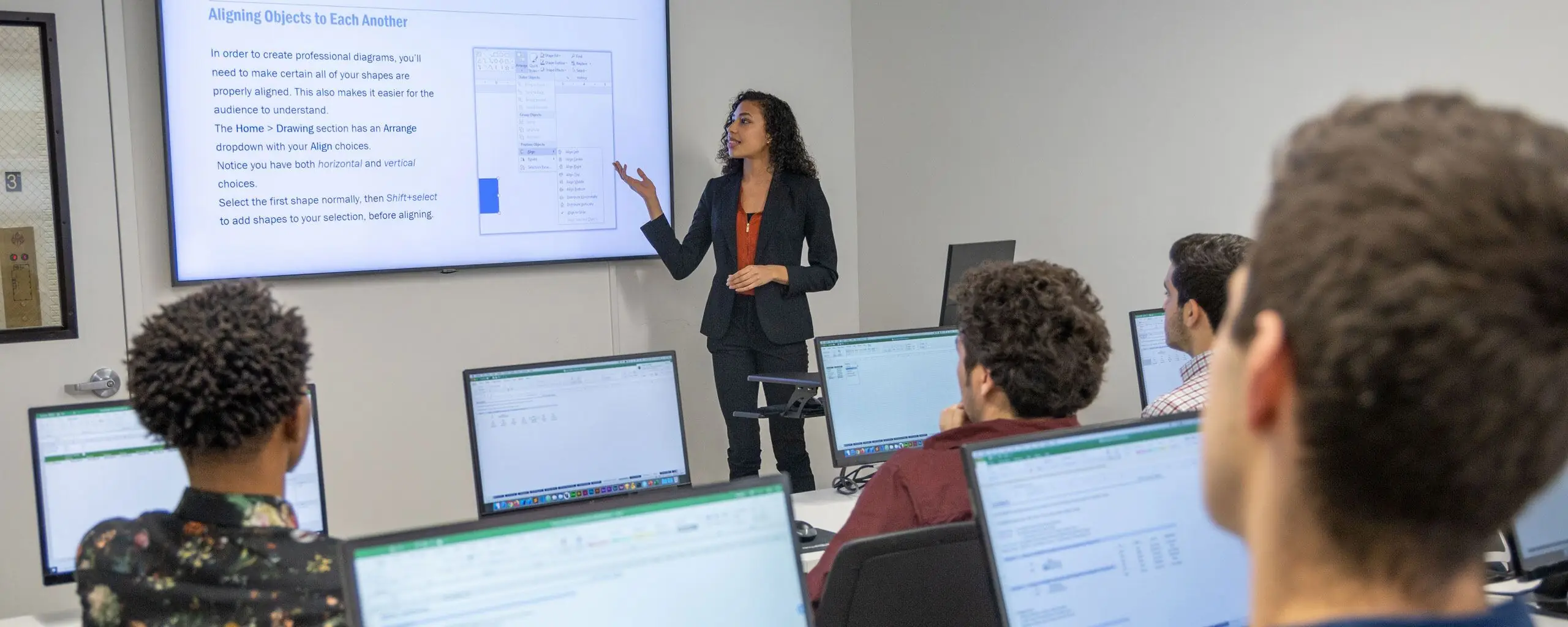
Attend courses in-person in NYC or live online. Engage with expert instructors, ask questions, and get feedback on your exercises and projects.
Unlike other providers, these are not mass open-enrollment classes. At NYIM Training, you’ll learn in small groups (typically 8-15 students) and receive personalized attention.
Get face-to-face interaction with an instructor and other students when you learn at our 185 Madison Ave, NYC campus. Courses are hands-on with a computer and software provided.
Get the same interactivity and access to the instructor as in-person students. There are no extra fees and we’ll work with you to ensure your remote setup is perfect.

