

Learn graphic design with a live online instructor
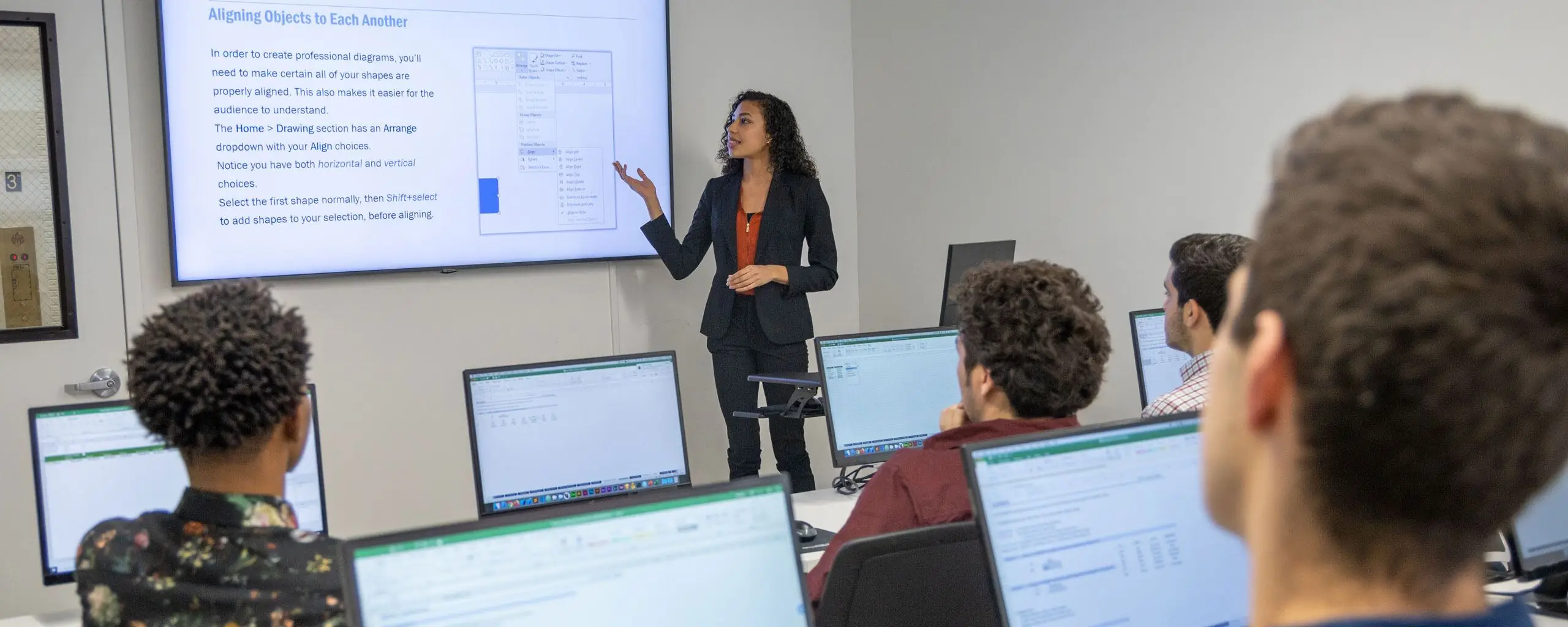
Live online graphic design classes combine scheduled instruction with hands-on practice on your own computer. You can ask questions as you work through a project and use instructor feedback to improve your approach. Review the course's technical requirements before class so that you can follow the exercises in the required applications.
Choose the tool that fits your projects
Adobe Photoshop Bootcamp develops photo editing and image-composition skills. Adobe Illustrator Bootcamp focuses on vector graphics such as logos and illustrations. Adobe InDesign Bootcamp is suited to page layouts and documents that combine text and images.
If you create marketing materials, you may use all three tools in the same workflow. A photo can be edited in Photoshop, a graphic created in Illustrator, and the final brochure assembled in InDesign. A focused bootcamp is useful when you need one part of that workflow; a broader program helps you connect the parts.
Compare introductory, certificate, and portfolio options
- Start with Photoshop in a Day, Illustrator in a Day, or InDesign in a Day for an introduction to a single application.
- Choose the Graphic Design Certificate, offered with Noble Desktop, to study Photoshop, Illustrator, InDesign, and design concepts in one program.
- Consider the Graphic Design Portfolio Bootcamp if you already have strong working knowledge of those three applications and want to develop and revise design projects.
Prepare your workspace
Check which software and version the class uses, whether you need a license or trial, and how to install it before the first session. Plan for a reliable internet connection, a suitable computer, and a workspace where you can hear the instructor and work with project files. A second display can be useful for keeping the class presentation visible while you practice.
Live online classes meet at scheduled times. Check the time zone, session length, and dates rather than assuming an online course can be completed whenever you choose. Recording access, technical support, and retake policies vary by program; use the details on the specific course page.
Practice design, not only software commands
Graphic design brings together typography, hierarchy, color, images, and layout. In a project, these choices should help the intended audience understand the message. Practice comparing alternatives and explaining why one approach communicates more clearly than another.
Feedback is useful when it leads to a concrete revision. Identify what is unclear, change one or more design choices, and review the result. Keeping earlier versions of a project makes it easier to see how your decisions improved the final work.
Live online and self-paced learning
Live online courses provide real-time instruction on a set schedule. Self-paced courses offer a different format, with lessons completed on your own timetable. Support and feedback depend on the program. Compare those details carefully and select the format that fits your availability and learning needs.
