Excel Expert Certification Program
Hands-on Training from Experts
NYC or Live Online
Get certified as an Excel Expert with this certification program.
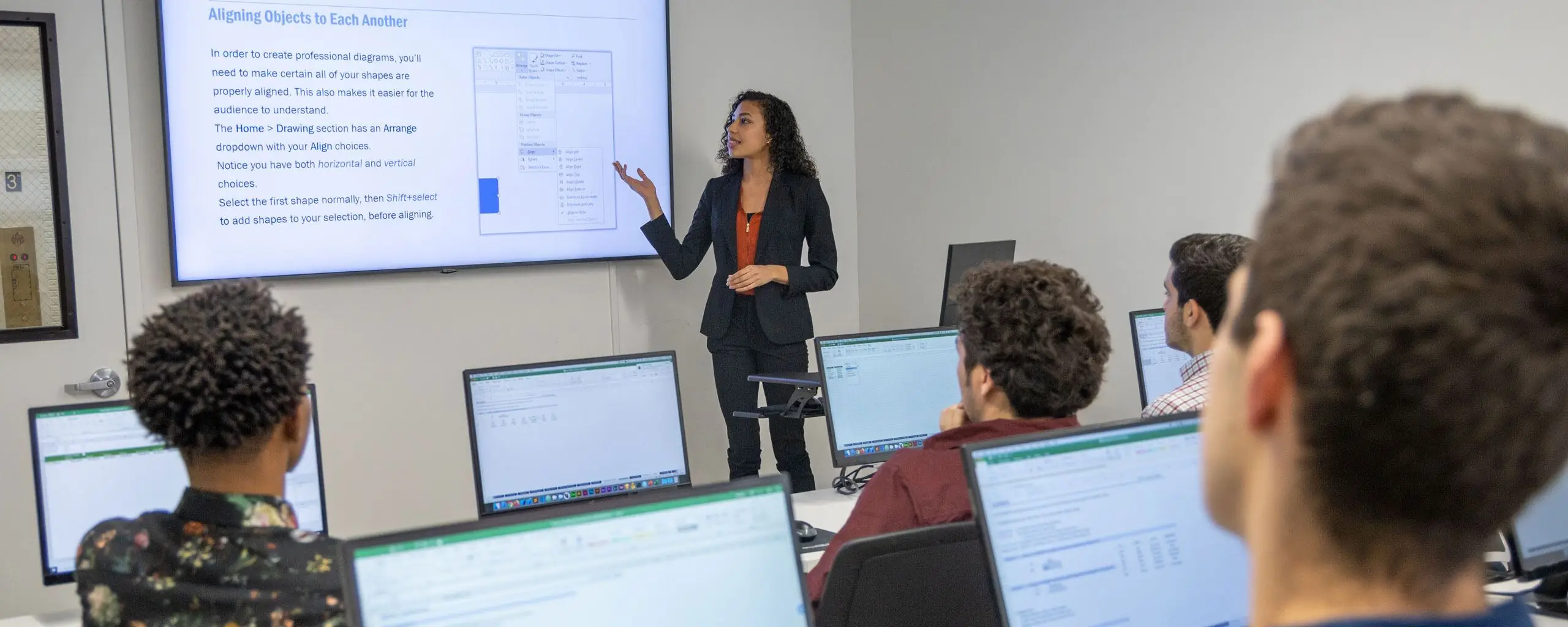
Learn formulas, functions, Pivot Tables, charts, and more, and ace the Microsoft Excel Expert exam. This program includes our three Excel courses (Fundamentals, Intermediate, and Advanced), four hours of private training, and the Excel Expert Exam with a free retake. You'll also receive free proctoring on exam day. All students enrolled in our Microsoft Excel certification program gain lifetime access to our free Excel video courses, the perfect companion to our live classes.
Registration: To sign up for this program, choose from a preset track of dates or customize your schedule. After you take the group classes, you can schedule the four hours of private training and the Excel Expert Exam.
This is the recommended order, but some courses may be taken in a different order.
Unit 1 6 Hours
Learn Excel fundamentals, including entering and formatting data, writing formulas, creating charts, and preparing worksheets for printing.
Unit 2 6 Hours
Build Excel skills with PivotTables, lookup functions, conditional calculations, text tools, and charts.
Unit 3 6 Hours
Build on your Excel skills with advanced functions, PivotTables, macros, and tools for analyzing and managing workbook data.
This package also includes four hours of private training, the Microsoft Excel Expert Exam (with a free retake), and proctoring for the exam. Schedule the private training and exam after you complete the group classes.

This package also includes four hours of private training, the Microsoft Excel Expert Exam (with a free retake), and proctoring for the exam. Schedule the private training and exam after you complete the group classes.
From our hands-on training style to world-class instructors and custom-crafted curriculum, we deliver results our alumni are proud of.




If you want to learn AutoCad, this is the best class.
In this course, I learned a lot about Excel that I didn't know previously. I would certainly recommend it to those looking to learn more about the software.
This is the perfect beginner class to ease your way in to Excel.
Intermediate Excel was great! Our instructor, Mike, was very patient and happy to answer any questions that came up along the way. VLOOKUPS aren't nearly as intimidating now that I've taken the class.
Picked up a few little tricks that I hope to use more regularly.
Everything felt like it flowed from beginning to end with extra tips in between and he was able to provide different tips based on how you were working in Excel.
I would definitely recommend these classes to improve your excel skills. I use excel everyday and having this knowledge will cut time on work significantly.
We could ask as many questions as necessary, and Garfield answered them all.
I definitely recommend this course for professional development in any field where MS Excel is used.
Life-changing, super helpful! I loved the energy the instructor, Mike, had. It was very interactive and informative. Learned a lot :)
Tons of helpful tips and tricks for everyday Excel use.
This was a great class, even if you know excel there are formulas/functions that can give you faster results than what you are doing now.
Very good class. Trainer was very good, very patient.
Love this class. Can use what I've learned at work.
I highly recommend Beginner Microsoft Excel. I have spent many days working on spreadsheets. Had I taken this course sooner I would have cut my time spent on coordinating spreadsheets and enabled me to appropriate time to other projects.
After participating in the Intermediate Excel for Business training, I now feel much more confident about using Excel in my job. I've been intimidated by Excel for quite some time but now I see it as a tool to experiment with and learn from!
If you would like a better grasp on how to maneuver your Word program, this will help so much. It touches on all important points for program.
I learned more in this than I did in college with excel and hope to apply it more in my work setting.
Never in a million years would've thought that an Excel training workshop would actually be enjoyable!
An engaging, informative perfect way to learn or refresh your skills!
Thorough, patient, and enthusiastic instructor; super helpful Excel tips for business.
Excel class worth taking.
Great class for learning the basics without being overwhelming
If you need to use Excel at work, this class will make your life easier and efficient.
Very well paced, easy to follow Excel class!
Showing 25 of 133 reviews
Learn the concepts and skills covered in this program or your tuition is on us. See details and terms & conditions.

Work on projects proven to boost retention

Refined over many cohorts for an optimal learning experience
Excellent classes and excellent venue! It has just the right level of personal attention and class participation. I would highly recommend NYIM and look forward to taking future classes there. – Hazel S.

Experienced educators who are driven to help you succeed
Refresh the materials and gain additional practice
Attend this course in-person in NYC or live online. Engage with expert instructors, ask questions, and get feedback on your exercises and projects.
Unlike other providers, these are not mass open-enrollment classes. At NYIM Training, you’ll learn in small groups (typically 8-15 students) and receive personalized attention.
Get face-to-face interaction with an instructor and other students when you learn at our 185 Madison Ave, NYC campus. Courses are hands-on with a computer and software provided.
Get the same interactivity and access to the instructor as in-person students. There are no extra fees and we’ll work with you to ensure your remote setup is perfect.


Upon completion of this course, you’ll receive an official certificate testifying to your mastery of the curriculum. We’ll send you a link where you can download your certificate, share it online with your friends, post it to your professional network on LinkedIn, and view all your earned certificates. Congratulations on your achievement!
Shareable on


We offer a single free retake of any module or the whole program within a year.
You can also access recordings of each session in your student portal within one business day of the session’s end. Recordings are available for 30 days after the session.


Yes, this course is open to beginners. Students must be comfortable using a computer. No other prior knowledge is required.
This course does not qualify for payment plans or student financing. See our Payment Plan FAQ to find related programs that qualify.
Live online attendance is available for selected upcoming dates. Check the schedule for each date's attendance format and time zone before enrolling.
You have some options:
There are no extra fees or taxes for our courses. The price you see on this page is the maximum you’ll pay us.
This program has a single package price. Additional discounts do not apply.
