


Learn Excel in a Live Online Classroom
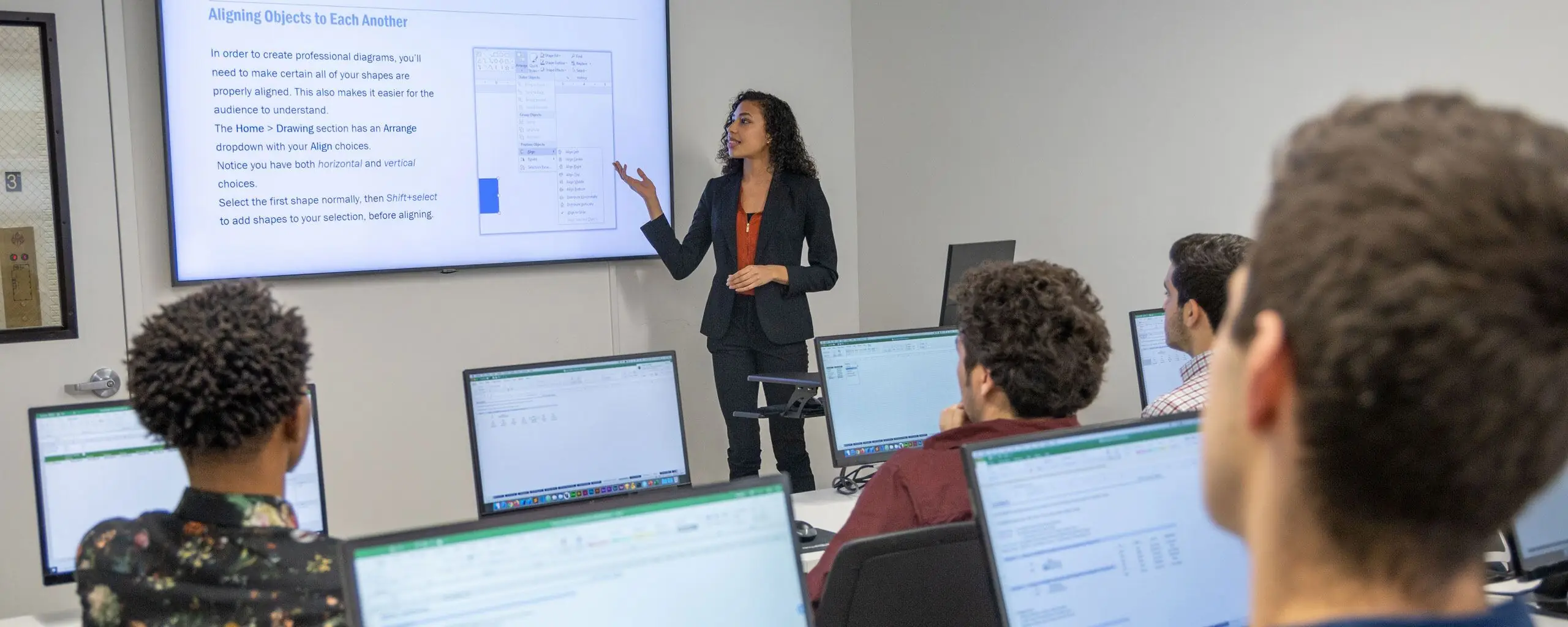
NYIM's live online Excel classes combine a scheduled class with an instructor and hands-on spreadsheet practice. This format lets you attend remotely while working through the material with a group.
Choose a Level or Complete the Sequence
Start with Excel for Business Fundamentals if you need a foundation. Continue with Intermediate Excel for Business and Advanced Excel for Business as your skills develop. The Excel for Business Bootcamp combines these levels.
Compare the syllabi with the tasks you already perform. If you routinely use formulas and manage worksheets, review the next level's prerequisites instead of choosing only by the course title.
Prepare for Remote Training
Check the selected session's meeting times, time zone, software version, and connection instructions. Plan to work in Excel during class. Confirm any computer or software questions with NYIM before the session so you can focus on the exercises.
Live Online and Self-Paced Learning
A live online class meets at scheduled times and provides real-time interaction. Self-paced study offers a different schedule and support model. Choose the format that fits your availability and learning preferences, and verify the format shown on the individual course listing.
Next Steps and Team Training
Experienced users can explore VBA programming or financial modeling. Organizations can ask NYIM about private Excel training for a team. Each course page provides current dates, tuition, and prerequisites.