Excel for Business Bootcamp
- Weekdays, evenings, or Sundays
- 18 Hours
- Open to beginners
- 1:1 Bonus Training
Build beginner through advanced Excel skills in 18 hours. Practice formulas, charts, PivotTables, lookup functions, and recorded macros.
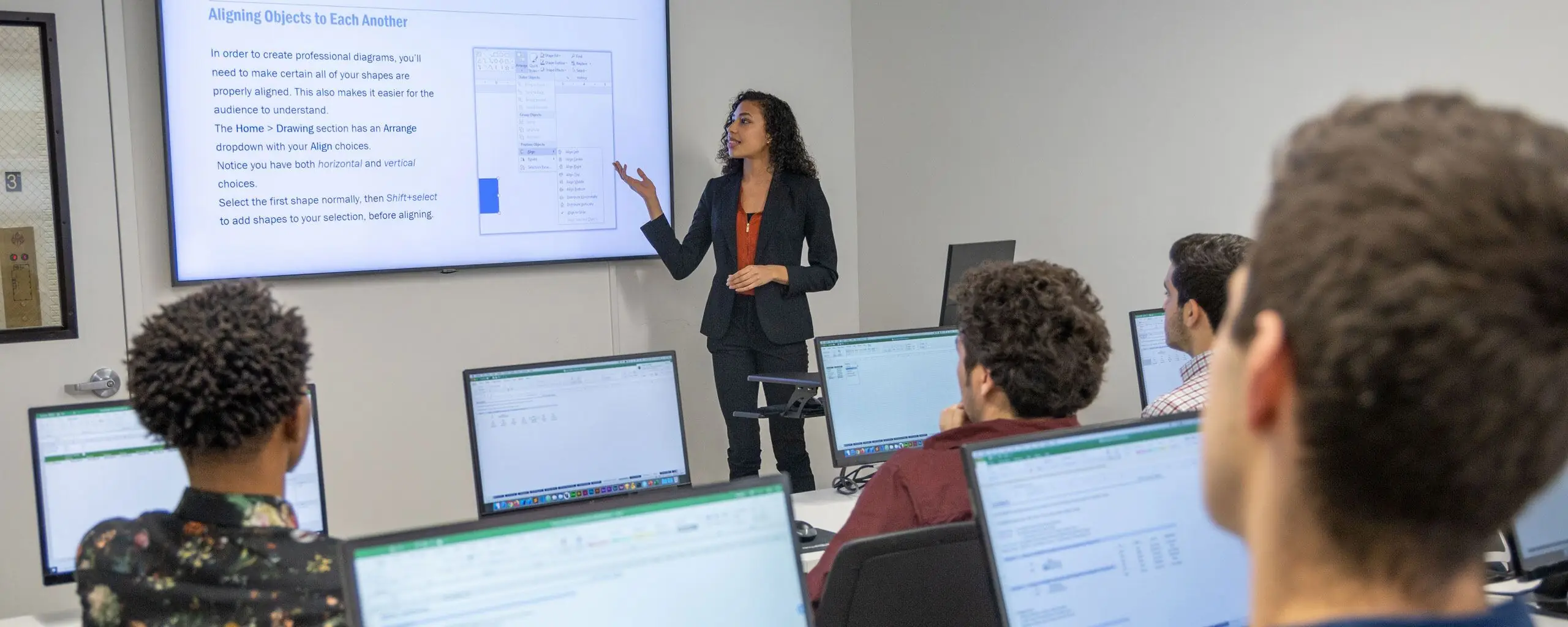
Learn Excel with NYIM with hands-on, live online classes in Excel.

Build beginner through advanced Excel skills in 18 hours. Practice formulas, charts, PivotTables, lookup functions, and recorded macros.

Build Excel skills for business with hands-on lessons designed to boost your productivity. You’ll learn to create charts and tables, master fundamental formulas and functions like AutoSum and conditional formatting, and format data for clear visual presentations.

Advance your Excel skills with practical lessons focused on streamlining your workflow and enhancing data analysis. You'll master Pivot Tables for data summarization, apply advanced functions, utilize logical statements, and manage data with named ranges.

Level up your Excel skills by mastering sophisticated techniques like advanced Pivot Tables, task automation through macros, and analytical tools. You'll also learn to write nested IF statements, apply arrays, and use conditional formatting with custom formulas.


Boost your resume with a Microsoft certification or certificate program that demonstrates your skills in Excel, data analytics, and other topics.
This program includes our three Excel courses (Fundamentals, Intermediate, and Advanced), two hours of private training, and the Excel Specialist Exam fee with a free retake.
This certification program will prepare you for the Excel Expert Exam. This program includes three group classes, four hours of private training, and the Excel Expert Exam with a free retake.

Analyze and visualize data with Excel, Python, SQL, and Tableau. Develop statistical skills and apply them to projects for a data analytics portfolio.

Build practical analysis and reporting skills with Excel, SQL, Tableau, and PowerPoint. Analyze data, create visualizations, and present findings through hands-on exercises.
Learn the concepts and skills covered in these courses or your tuition is on us. See details and terms & conditions.

Work on projects proven to boost retention

Refined over many cohorts for an optimal learning experience
Excellent classes and excellent venue! It has just the right level of personal attention and class participation. I would highly recommend NYIM and look forward to taking future classes there. – Hazel S.

Experienced educators who are driven to help you succeed
Refresh the materials and gain additional practice
Learn financial modeling in Excel and other skills for a finance career.

In this 5-day financial analyst program, you'll master Excel, review corporate finance and financial accounting concepts, and build a comprehensive valuation model on a public company.

Build a financial valuation model in Excel. Review financial statements, develop projections, and apply corporate finance and discounted cash flow concepts.

Use advanced Excel functions, shortcuts, Goal Seek, and sensitivity analysis to build and audit financial models.
Speed up your workflow in Excel with VBA (Visual Basic for Applications), Microsoft's programming language for Office software.

Automate Excel tasks with macros and VBA. Record and edit macros, write custom code, and troubleshoot errors through practical exercises.
In this beginner VBA & Macros course, you will learn to develop macros, perform calculations & more.
In this advanced VBA & Macros training class, you will write scripts, create automated event processes & more.
From our hands-on training style to world-class instructors and custom-crafted curriculum, we deliver results our alumni are proud of.



If you want to learn AutoCad, this is the best class.
In this course, I learned a lot about Excel that I didn't know previously. I would certainly recommend it to those looking to learn more about the software.
This is the perfect beginner class to ease your way in to Excel.
Intermediate Excel was great! Our instructor, Mike, was very patient and happy to answer any questions that came up along the way. VLOOKUPS aren't nearly as intimidating now that I've taken the class.
Picked up a few little tricks that I hope to use more regularly.
Everything felt like it flowed from beginning to end with extra tips in between and he was able to provide different tips based on how you were working in Excel.
I would definitely recommend these classes to improve your excel skills. I use excel everyday and having this knowledge will cut time on work significantly.
We could ask as many questions as necessary, and Garfield answered them all.
I definitely recommend this course for professional development in any field where MS Excel is used.
Life-changing, super helpful! I loved the energy the instructor, Mike, had. It was very interactive and informative. Learned a lot :)
Tons of helpful tips and tricks for everyday Excel use.
This was a great class, even if you know excel there are formulas/functions that can give you faster results than what you are doing now.
Very good class. Trainer was very good, very patient.
Love this class. Can use what I've learned at work.
I highly recommend Beginner Microsoft Excel. I have spent many days working on spreadsheets. Had I taken this course sooner I would have cut my time spent on coordinating spreadsheets and enabled me to appropriate time to other projects.
After participating in the Intermediate Excel for Business training, I now feel much more confident about using Excel in my job. I've been intimidated by Excel for quite some time but now I see it as a tool to experiment with and learn from!
If you would like a better grasp on how to maneuver your Word program, this will help so much. It touches on all important points for program.
I learned more in this than I did in college with excel and hope to apply it more in my work setting.
Never in a million years would've thought that an Excel training workshop would actually be enjoyable!
An engaging, informative perfect way to learn or refresh your skills!
Thorough, patient, and enthusiastic instructor; super helpful Excel tips for business.
Excel class worth taking.
Great class for learning the basics without being overwhelming
This class was absolutely great. I've been in Finance for 5 years and learned things today!
If you need to use Excel at work, this class will make your life easier and efficient.
Showing 25 of 154 reviews
Attend courses in-person in Boston or live online. Engage with expert instructors, ask questions, and get feedback on your exercises and projects.
Unlike other providers, these are not mass open-enrollment classes. At NYIM Training, you’ll learn in small groups (typically 8-15 students) and receive personalized attention.
Get face-to-face interaction with an instructor and other students when you learn at our Boston campus. Courses are hands-on with a computer and software provided.
Get the same interactivity and access to the instructor as in-person students. There are no extra fees and we’ll work with you to ensure your remote setup is perfect.

